Cut a Gem Official Links
Trusted destinations for playing the game, catching code drops, and tracking patches —with honest notes when a resource does not exist.
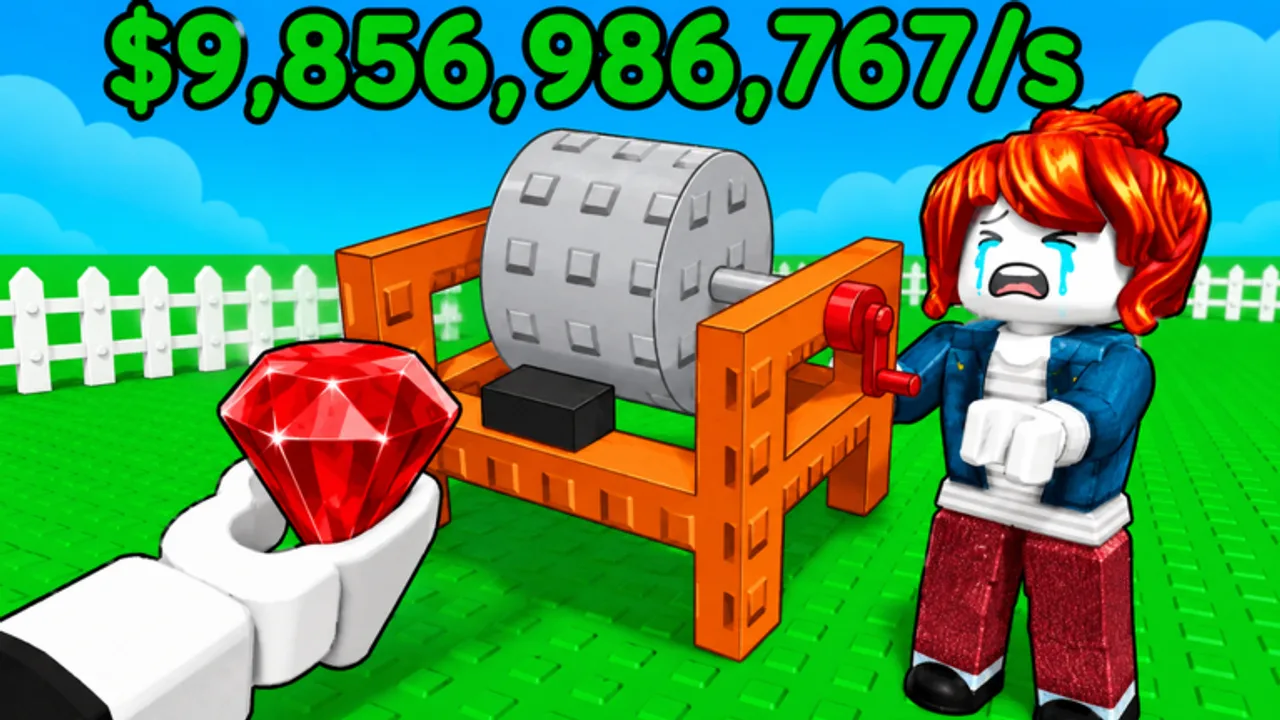
Fan wikis work best when they point you to primary sources quickly. This Official Links hub gathers every vetted destination for Cut a Gem by Gem Traders —the Roblox experience where you automate grinders, refine geodes into high-purity gems, and negotiate with buyers for profit. We also link back into this wiki’s most time-sensitive pages so you are never more than one click away from working codes or fresh patch notes.
Cut a Gem is a Roblox idle and simulation tycoon. You place machinery, feed geodes along conveyor belts, and chase purity high scores while the game continues grinding offline. Promo codes drop on visit milestones and social beats, which makes official channels essential alongside wiki maintenance pages.
Play Cut a Gem on Roblox
The authoritative place to launch the game is the official Roblox experience page:
Cut a Gem on Roblox —bookmark this URL on PC, mobile, or console browsers. The page shows live player counts, the studio name (Gem Traders), description text, and the communications link developers use for code announcements. Favoriting the game helps Roblox surface future updates in your feed.
Our wiki mirrors that link through site.meta.json as well, but the Roblox page always wins if IDs or titles change during early access.
Discord and code announcements
Gem Traders tells players to join their communications server for codes. The invite is attached to the Roblox game description rather than scattered across unofficial social posts —open the game page, scroll the description, and use the linked Discord invite there. That server is typically the first place new strings like 1MVISITS appear when visit milestones hit.
We do not republish private Discord URLs separately here because invites can rotate. If an invite expires, refresh from the Roblox page rather than trusting reuploads on random link shorteners.
Once you have codes in hand, redeem them through the in-game Store menu and cross-check rewards on our dedicated Codes page, which lists active strings, redemption steps, and expiry notes when we know them.
Trello and public roadmaps —an honest note
Many Roblox wikis template a Trello board link by default. For Cut a Gem, we have not found a public Trello roadmap published by Gem Traders at the time of writing. Searches across game descriptions, Discord pins, and community hubs did not surface an official board to track upcoming geode tiers, rebirth systems, or UI reworks.
That absence does not mean no planning happens internally —it simply means Discord plus in-game patch behavior are the reliable sources today. If Gem Traders publishes a Trello or Notion roadmap later, we will add it here with a clear official label. Until then, avoid third-party boards claiming insider leaks; they often copy outdated data from other gem-themed games.
Wiki pages to pair with official links
Official channels tell you that something changed; wiki pages explain how to respond.
Codes —Working and expired promo codes with redemption instructions. Check here immediately after Discord pings about a new milestone string.
Updates Hub —Summaries of patch themes, visit milestones, and links to detailed write-ups. Start here when returning after a break.
Latest Patch Notes —Focused coverage of the current beat, including the 1MVISITS one-million-visits event and early-access CCU growth near 1.5k concurrent players.
Tools Hub —Safe browser calculators such as the Purity Calculator for planning gem quality before you spend milestone cash.
Getting Started —Onboarding for controls, first purchases, and the sell loop if you installed Roblox solely because a code dropped.
Creator profile: Gem Traders
Cut a Gem lists Gem Traders as the creating group on Roblox. At early access scale they operate like many modern Roblox studios: small number of published experiences, rapid iteration on one flagship title, and community management through Discord rather than long blog posts. Watching the creator profile can alert you if new experiences launch, but expect Cut a Gem itself to receive the bulk of updates while visit counts climb.
Safety and account hygiene
Stick to the Roblox game page and Discord linked from that page for downloads, codes, and announcements. Do not paste credentials into fake “code generator—sites —they are scams. This wiki never asks for your Roblox password. Scripts and executors live on separate wiki sections with their own risk disclaimers; they are not official links and can violate Terms of Service.
How we maintain this hub
When Gem Traders adds a verified public roadmap, changes their Discord invite flow, or publishes a new official social channel, we update this page first so downstream guides stay consistent. If you spot a broken invite, compare the Roblox description with what we list here and notify the community moderators in Discord so everyone benefits.
For day-to-day play, the routine is simple: launch via the official Roblox link, watch Discord for codes, redeem then confirm on Codes, and read Updates when patches land.
Frequently Asked Questions
Quick answers to the most common questions.
Is this Cut a Gem wiki official?
No. cutagem.wiki is a fan resource. The official game is only on Roblox under Gem Traders; Discord is linked from that page.
Where is the Cut a Gem Trello board?
We have not found a public Trello published by the developers. Use Discord and the Updates Hub until an official roadmap appears.
How do I get Cut a Gem codes from Discord?
Join the communications server linked on the Roblox game description. Developers post milestone codes there first; then verify on our Codes page.
What is the official Roblox game link?
https://www.roblox.com/games/111773649152177/Cut-a-Gem —use this URL to play, favorite, and read the live description.
Which wiki page updates most often?
Codes and Latest Patch Notes change frequently during early access. Official Links changes only when primary URLs or channels move.