Cut a Gem Wiki Tools
Interactive helpers built for the gem-grinding loop —start with purity planning, then expand as we add more calculators.
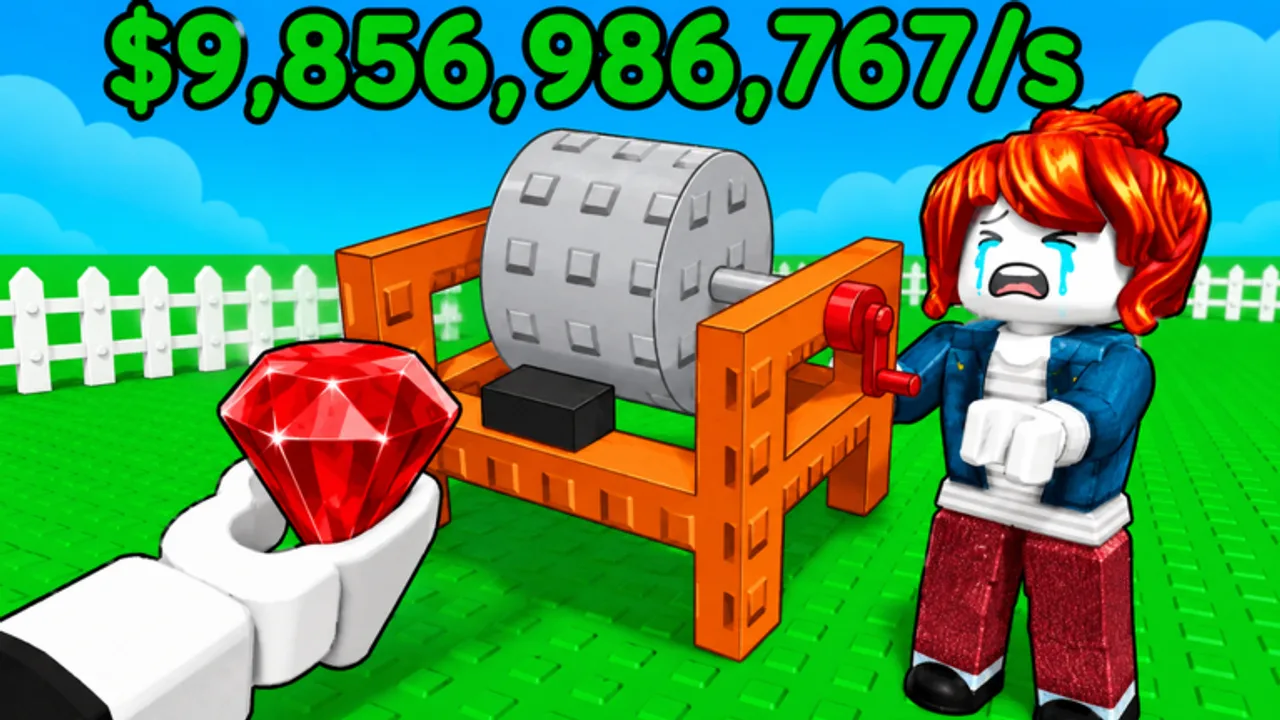
Cut a Gem looks simple on the surface —drop a grinder, add a belt, feed geodes, sell gems —but the numbers underneath reward players who plan ahead. Buyer offers scale with purity, geode tiers multiply potential output, and totem bonuses can turn an average grind into a record-breaking sale. The Tools Hub collects interactive helpers that translate those hidden formulas into something you can use mid-session without alt-tabbing into a spreadsheet.
This is a fan wiki for Gem Traders—Roblox tycoon, not an in-game menu. Nothing here modifies your account or automates gameplay; instead, these pages help you make smarter decisions about where to spend cash, which geode batch to run next, and whether an offer on the negotiation screen is worth accepting.
Why tools matter more than tier lists here
Many Roblox wikis lean heavily on static tier lists. Cut a Gem’s economy is dynamic: codes like 1MVISITS inject cash, patches tweak grinder throughput, and buyer variance means two gems with similar purity can still produce different offers. Tools complement guides because they react to your inputs —base purity on the geode you are holding, the grinder bonus you actually purchased, the totem sitting on your plot.
If you are brand new, read Getting Started first for controls and the first-hour checklist. Return here once you are actively trying to raise purity instead of merely unlocking your second grinder.
Featured tool: Purity Calculator
The flagship tool today is the Purity Calculator, an on-page widget that estimates final purity percentage and a sale value band from four inputs:
- Base purity —the starting quality of the geode batch you are running.
- Grinder bonus —additive investment from machine upgrades along your line.
- Totem bonus —percentage boost from totems, including rewards from milestone codes.
- Geode tier —multipliers for Basic, Dark, Crystal, and Prismatic geodes.
The calculator uses the same community-facing formula baked into our component, capped at 100% purity, and outputs a dollar range meant for comparison shopping —not a guaranteed buyer quote. Roblox RNG and patch changes can shift offers, so treat results as planning guidance.
Open the dedicated calculator page when you want full explanations of each field, FAQs about totem stacking, and the live widget embedded mid-article.
Featured tool: Spend Planner
The Spend Planner helps you allocate lump-sum cash — especially after redeeming 1MVISITS — before you impulse-buy the wrong geode tier. Enter your liquid balance, current grinder tier, and target purity bracket; the planner suggests a split between grinder upgrades, geode bulk buys, and negotiation reserve. Pair it with the Purity Calculator when you are deciding between one Prismatic batch and two Dark runs.
Featured tool: Rebirth Planner
The Rebirth Planner embeds the RebirthPlanner widget to estimate whether your next reset beats holding cash and inventory. Enter grinder tier, liquid balance, totem count, and target multiplier; the planner compares payback time against permanent rebirth gains. Pair it with the Rebirth Guide before clicking the shrine menu.
How to use this hub during a play session
A practical workflow looks like this:
- Before buying geodes —plug your current grinder and totem stats into the calculator with the tier you can afford. If projected purity barely moves, save cash for machine upgrades instead.
- Before negotiating —compare the calculator’s value band to the buyer popup. Reject lowballs when your purity justifies more.
- After redeeming codes —milestone cash and totems change your math overnight. Re-run the tool before spending everything on cosmetic placements.
- After patches —when Latest Patch Notes mention balance changes, revisit tools in case grinder or totem coefficients shifted.
Keep the Codes page open in another tab if you are hunting limited-time boosts that alter your inputs.
Tools versus scripts
This wiki also covers Roblox scripts elsewhere for players who use executors, but the Tools Hub is deliberately safe and account-friendly. Calculators run entirely in your browser, require no downloads, and violate no Terms of Service. If you prefer automation, understand the risks before visiting script pages —bans are real even in casual simulators.
Our design goal is to give legitimate players the same strategic edge: know your numbers, spend deliberately, and spend less time guessing whether a Dark geode run is worth the premium price.
Roadmap: what we may add next
Cut a Gem’s meta is still young. As Gem Traders ships rebirth systems, new buyer types, or additional geode families, we can extend this hub with specialized planners —offline earnings estimators, code ROI comparisons, or grind-time-to-cash charts — without publishing stub pages until each tool is ready. Suggestions belong in community Discord threads linked from our Official Links page.
For now, mastery starts with purity because purity drives every meaningful sale. Jump to the Purity Calculator when you are ready to experiment with your build, use the Spend Planner after code redemptions, open the Rebirth Planner when multipliers plateau, and bookmark this hub so future tools appear in one place instead of scattered across blog posts.
Quick links for planners
- Purity Calculator —interactive purity and value estimates.
- Spend Planner —allocate code cash and lump sums before shopping.
- Rebirth Planner —RebirthPlanner widget for reset timing versus holding cash.
- Updates Hub —patch context that may change formula weights.
- Codes —cash and totem rewards that change your inputs.
- Getting Started —baseline mechanics if any tool field is confusing.
Frequently Asked Questions
Quick answers to the most common questions.
Are Cut a Gem wiki tools official?
No. They are fan-made helpers based on observable game mechanics and community formula work. Always confirm big purchases in-game.
Which tool should I use first?
Start with the Purity Calculator once you own at least one grinder and can buy geodes above Basic tier. It clarifies how upgrades affect sale value.
Do tools update automatically after patches?
We adjust formulas when verified changes land. Read Latest Patch Notes after major updates in case coefficients shifted.
Can I use tools on mobile Roblox?
Yes. Open the wiki in your mobile browser alongside the Roblox app. The calculator is touch-friendly and needs no install.
Will you add a rebirth or offline earnings calculator?
Planned if Gem Traders expands those systems beyond early-access scope. This hub will list new tools as they ship.